Payment Instructions
Tournament registration fees can be paid online. Payments are processed through PayPal. You do not need to have a PayPal account to pay online. Follow the steps below on how to submit your payment.
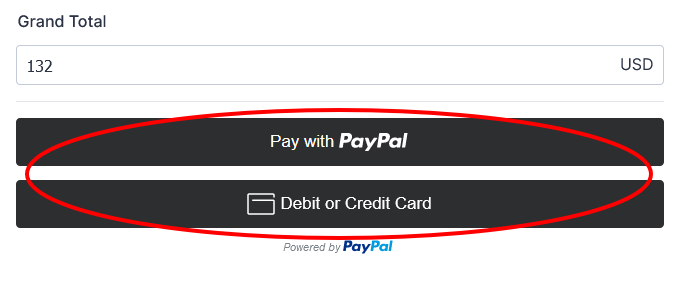
The total for your registration fees will display in the “Grand Total” field. Select the payment option from on of the two buttons displayed. A new window will open up based on your selection.
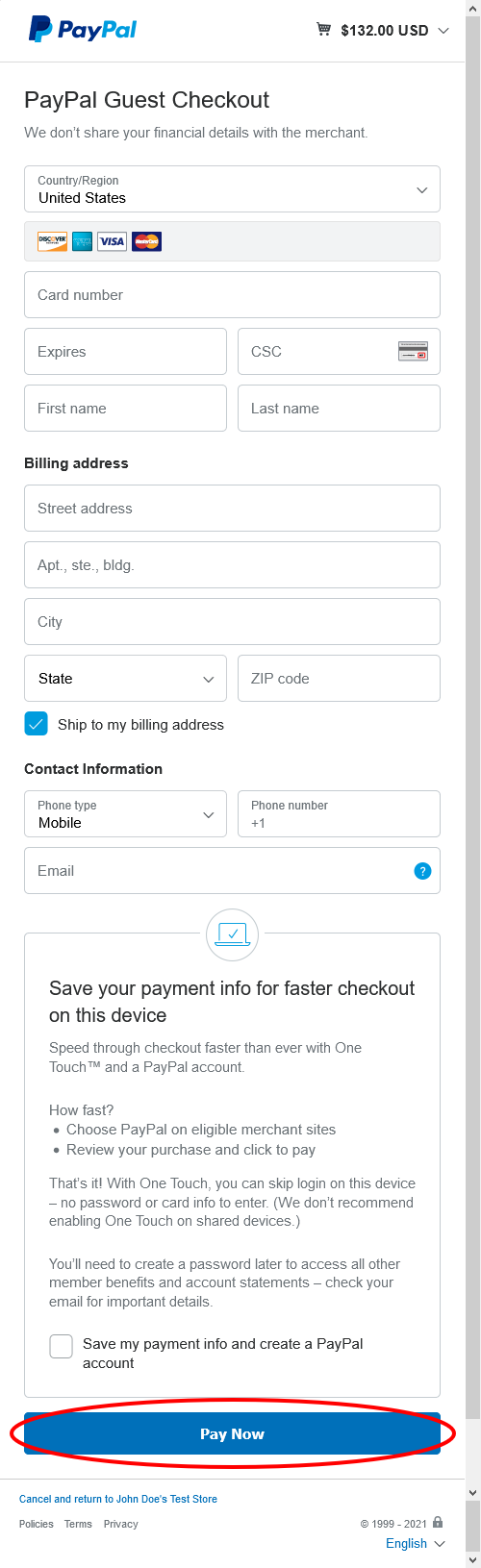
If you choose to pay with Credit Card you will need to fill out your payment info, billing address, and contact info. After that, you will be presented with the option to create a PayPal Account. You can skip this. Then, click the blue “Pay Now” button at the bottom of the page.
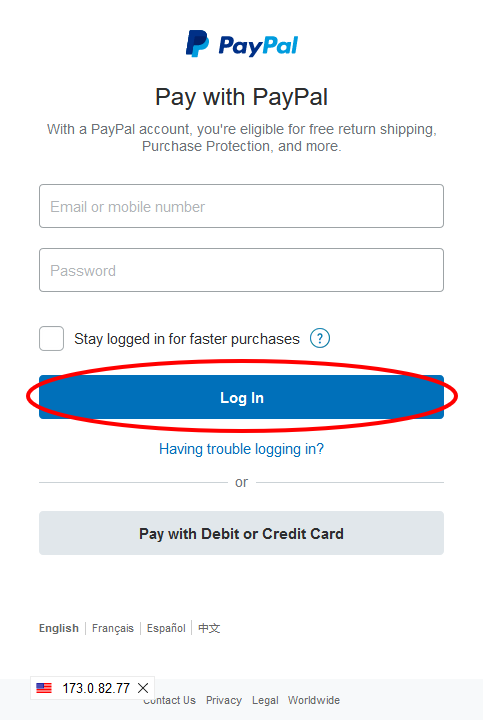
If you choose to use PayPal you will need to input your account email and password. Then, click the blue “Log In” button to log in with your PayPal account.
Once you have logged in, you will be able to select from your saved payment methods. After you have finished, click the blue “Pay Now” button.
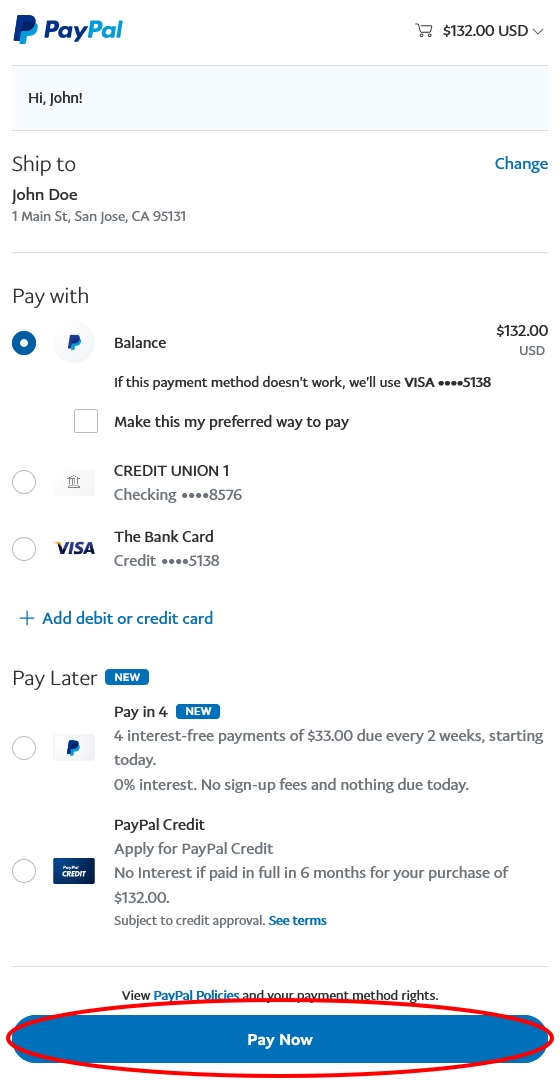
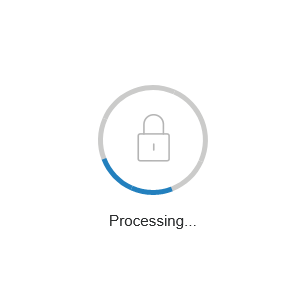
After clicking the “Pay Now” button on your selected payment preference, you will see a processing icon. Do not close the window, it will close when finished and direct you back to the form.
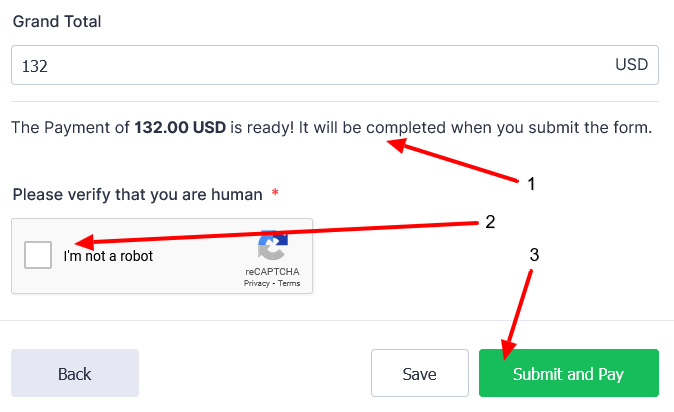
On the registration form, you will now see that your payment is ready, and will be completed when you submit the form. Check the box to verify you are a human and click the green “Submit and Pay” button to finish your registration.